

 info@presentationdesigners.co.uk
How To Choose Correct Presentation Theme For PowerPoint?
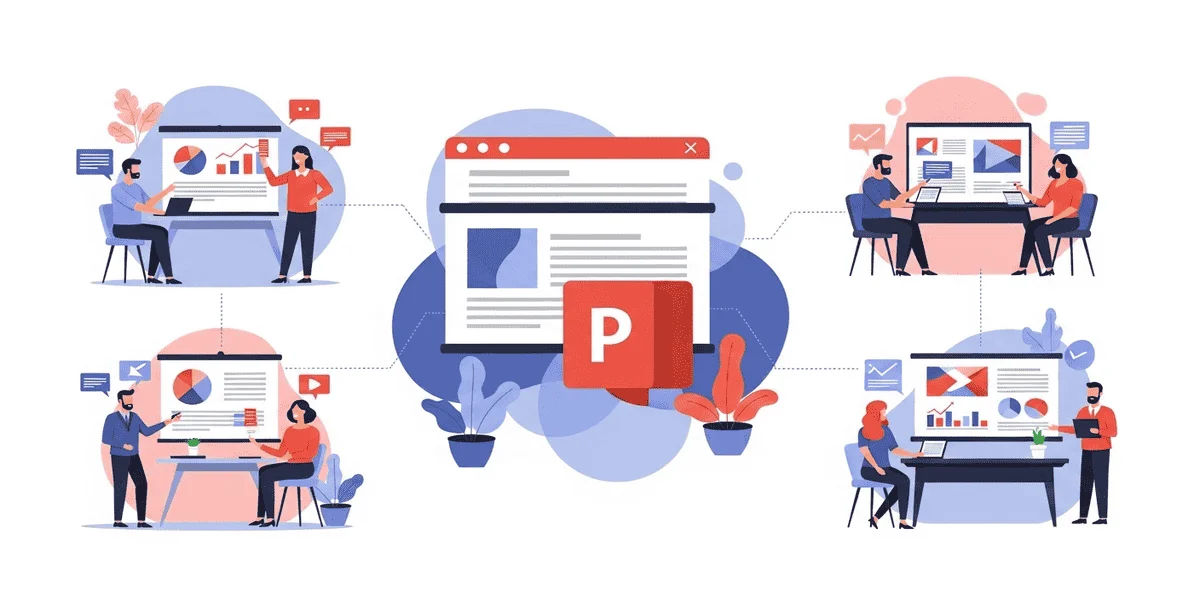
The combination of compelling content and a great design results in a successful PowerPoint presentation. Choosing the right presentation theme needs to balance appeal with context, message, and audience. A powerful presentation ensures delivering the company, brand, or educational message to the audience in a structured and valuable manner.
A well-chosen theme for a presentation enhances credibility, builds trust, ensures consistency, and reinforces your brand. Are you confused about how to choose the best PowerPoint theme for your presentation? This guide will walk you through the importance of powerpoint presentation, how to choose the right one, and how to avoid unnecessary pitfalls for a successful design.
What Is A PowerPoint Presentation And Why Does It Matter
A PowerPoint presentation is a digital slideshow combining images, graphics, and multimedia to communicate information in a structured and engaging manner. It is a visual aid to organize ideas, deliver oral presentations, and increase audience retention.
It is a powerful standard tool for businesses, education, and sales that converts ideas into stories and bridges the communication gap. It boosts engagement and retention, helps to understand complex data, builds credibility and professionalism, structures information, and improves efficiency.
It transforms spoken words into visual experiences for greater impact. PowerPoint supports visual communication through data visualization, structural diagrams, visual hierarchy, consistency, and branding.
Understand The Goal And Start With A Pitch Mindset
Starting with the Elevator Pitch is the best way to hook the audience, a 30-60 second summary that decides whether to go further. It is like a trailer that generates interest, whether through a single sentence, a valuable proposition, or a call to action.
To create a hook for your presentation, you need to understand your audience and the problem you are going to solve. Clearly pitch a pain point of your audience to grab their attention within 0-8 seconds of a hook. Briefly explain your product or services and why they are better than alternatives, and end with a clear CTA. Must use the colors, tone, and themes aligned to your business objectives.
Align The Theme With Brand Identity
A brand is not just about the logo and colors, but it reflects what your business stands for. Maintaining brand consistency is crucial to building trust, credibility, and professionalism, whether presenting to an investor, client, or partner.
Crafting a PowerPoint presentation is not only about making visually appealing slides but to grab audience. Here are some smart ways to integrate brand identity into your PowerPoint presentation.
- Brand Guidelines: Ensure you refer to the brand guidelines, including logos, color palette, typography, imagery style, and tone of voice. Use brand elements across all the company material.
- Design a Brand Template: You can design your brand template to save time. It should include the brand title with a logo, consistent fonts and colors, and well-placed brand elements.
- Use Brand Colors: Use your brand’s primary and secondary colors for the background, headings, subheadings, and CTA. Blending bold colors with neutral tones can enhance slide readability.
- Font Consistency: Avoid using multiple fonts, which can make your slides cluttered. Use primary and bold fonts for titles and headings, and secondary and simple fonts for body text, complementing the primary fonts and maintaining a hierarchy.
- Integrate Logo: Your logo should be present, but in a strategic way. It should be on the title and closing slides and in the header and footer of the content slides. Avoid overusing it as it can distract readers from the message.
- Brand Imagery and Icon: Better to use images aligned with your brand instead of generic stock images. You can include customizable images, branded icons, and filtered images that match brand colors and schemes.
- Consistent Brand Tone: Your presentation must reflect the consistent tone of your brand, whether professional, playful, or conversational. If it is a corporate brand, use clear, formal language; a startup should communicate through a fun brand identity with visuals and humour.
- Create Infographics and Charts: Ensure your data visualization aligns with your brand, and use brand colors for charts and graphs. Fonts and styles should match the overall aesthetic.
- Keep It Clean and Professional: Brand identity is not just about a logo and colors; it is also about a clean, uncluttered structure. A minimal design with a branded approach reflects professionalism.
- End With A Strong CTA: End your slides with a powerful closing message that includes the brand’s mission and tagline, along with website and social media links.
Avoid Common Pitfalls Of The Theme
Choosing a presentation theme is not about aesthetics or being good-looking. Most PowerPoint presentations fail not because of the content but because of design mistakes, such as a lack of clarity, audience trust, and credibility. The most common and damaging pitfalls in PowerPoint presentations are the following.
Template Fatigue
Template fatigue often occurs when the presenter uses the same theme repeatedly or recycles past projects. Templates can save your time, but frequently using the same one can create a serious problem that the audience can recognize instantly. Same colors, fonts, and effects dozens of times can make it forgettable. Better to pick customizable themes for a specific message, brand identity, and audience.
Technical Breakage
The most common issue with PowerPoint presentations is technical breakage due to theme issues such as missing fonts, broken layouts, or inconsistent display across screen sizes and devices. It happens because of the usage of unsupported fonts, complex layouts, and excessive animations that don’t translate well. Use well-designed themes for reliability, or get help from presentation design specialists for scalability, compatibility, and accessibility.
“Frankenstein” Slides
A combination of multiple layouts, fonts, and visual styles in a single presentation makes them “Frankenstein” slides. It often happens when the slide template is copied or downloaded from various sources or edited by multiple contributors. This can cause inconsistent fonts, mismatched colors, uneven spacing, or conflicting layouts. Establish clear rules for layout, typography, and visual hierarchy.
Design For Usability And Accessibility
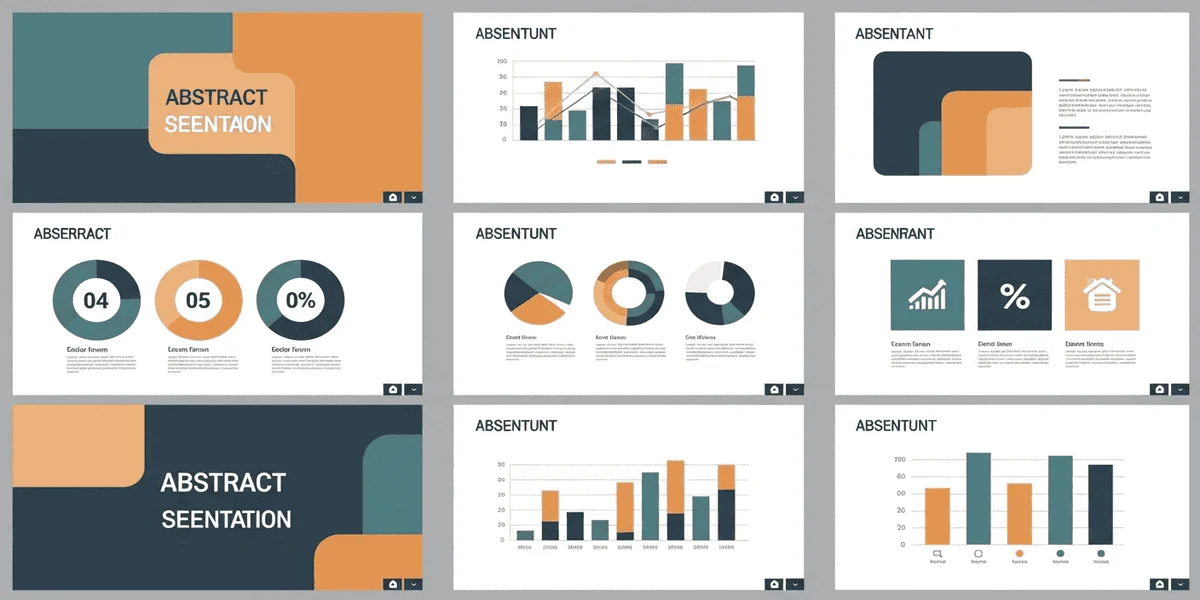
Accessibility has become a professional, ethical, and legal necessity for a PowerPoint presentation. Having an inaccessible slide in a fast-forward world of 24/7, inclusive, and remote-first environment can cause a barrier that exclude disabilities from the audience.
The requirements for accessibility include proper brand color usage, a clear hierarchy of typography and color scheme, a readable font size, and screen-reader compatibility. Using accessible themes in a PowerPoint presentation can enhance comprehension for all users by providing clarity, consistency, and reduced cognitive load.
How To Choose Narrative Design Shapes Theme
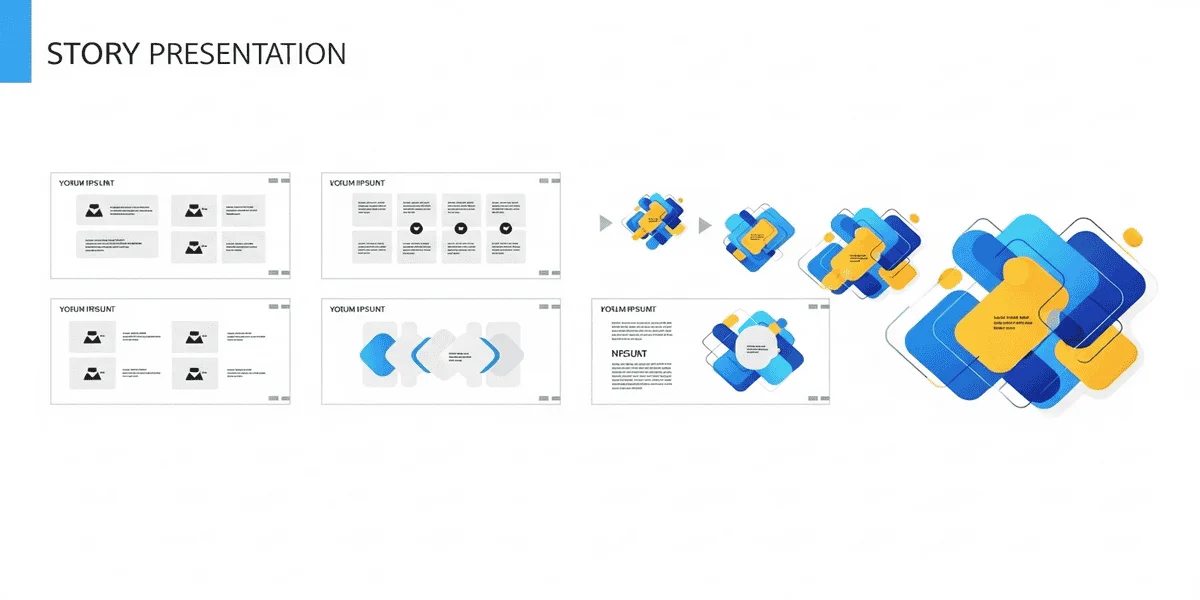
Narrative design helps turn data into a compelling story and increases audience engagement and retention by using structured plots. The key elements of the narrative design include defining a clear why and using visuals to transform complex data into a memorable story.
In the beginning, the layouts should be structured and foundational, gradually increasing to complex, high-impact, and visual layouts as the narrative reaches the climax and resolution.
Templates Vs. Custom Themes
PowerPoint templates are pre-designed and completed saved presentations having a structured layout, themes, and placeholders, even with sample content make it easy professional presentation design quickly. Themes are saved as a .thmx file, controlling the aesthetic components like effects, colors, and fonts, making it easy to apply to existing slides without changing the structure.
| Features | Templates | Themes |
| Definition | A full-featured file with layout, templates, and placeholders. | A small, focused file with only colors, fonts, and effects. |
| Key Features | Pre-designed layout (title, content, and comparison slides), branding, and simple text or images. | Change the layout’s look without modifying the layout or content. |
| Best For | Smaller presentations, such as monthly reports or sales decks. | Applying a consistent branded look to an existing or plain presentation. |
| Flexibility | Highly flexible to create new designs quickly. | Easy to change with the different designs. |
Frequently Asked Questions
Which font size is best for readability?
The ideal font sizes for the presentation’s headings and titles are 30 pts, and the body text should be 24 pts.
Which types of backgrounds are recommended for presentations, light or dark?
You can use a dark-toned background if the presentation room is dimly lit, but it’s safer to use light-toned backgrounds for a professional setting and high contrast.
What is the golden rule to design a PowerPoint presentation?
The golden rule for PowerPoint slides is that each slide should have no more than 5 lines, and each line should not exceed 5 words.
Final Thoughts
To pick up the best PowerPoint presentation, you need to follow the right strategies. A PowerPoint presentation is a visual support for your oral communication, presenting your ideas to the audience in an interactive way. You need to understand your goal, and your audience needs to pitch the hook and grab the audience, and generate their interest.
Ensure the theme and layout align with the brand identity, avoid common design pitfalls, and make it accessible to the audience. Choose the narrative design themes to make it highly impeccable for the readers. Pick a template or theme that suits your needs, but avoid repetition.